When you apply to dozens of jobs, using the same resume for all rarely works. Smart applicants match their resume to the job description. Doing this boosts your chances with both robots (ATS) and real people.
Here are clear steps and tips to make your resume match job descriptions well.
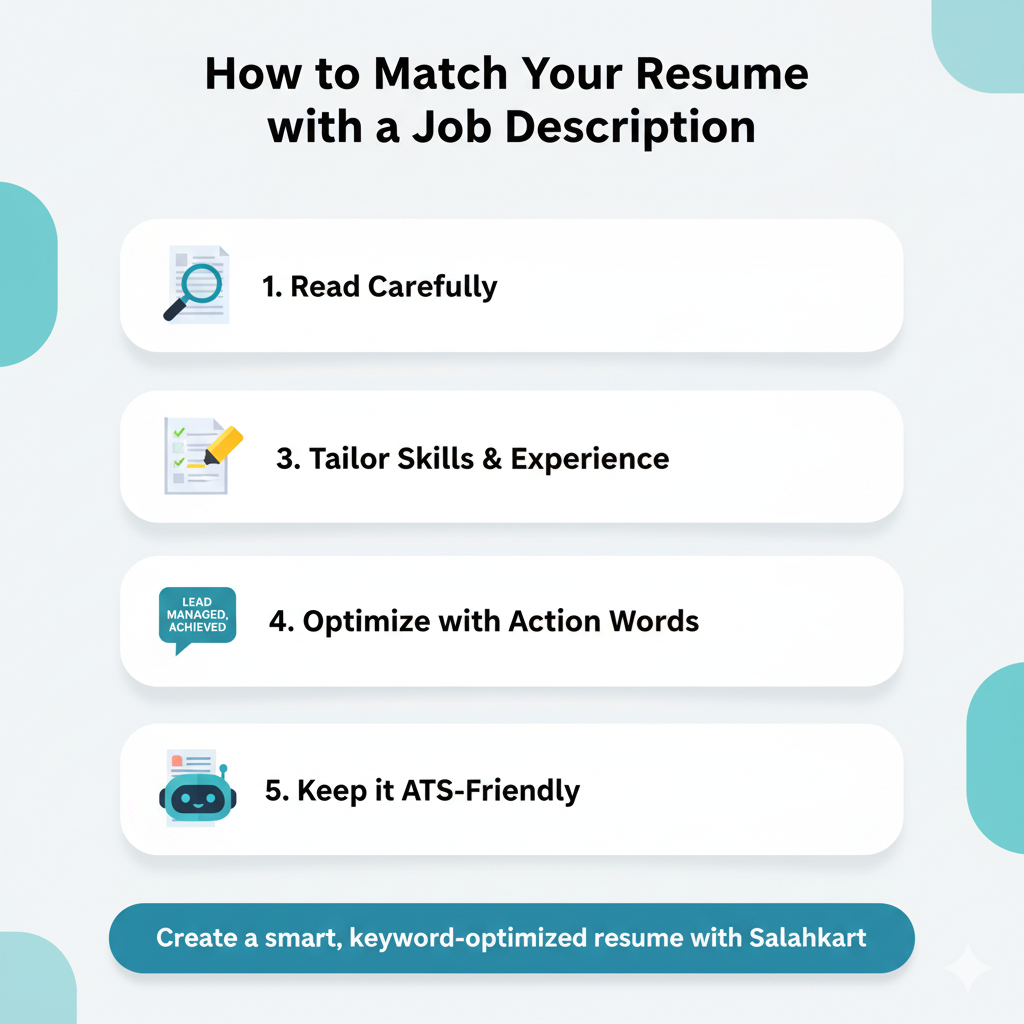
Read the Job Description Carefully First
Start by reading the job posting top to bottom. Look for repeated words. Focus on required skills, tools, credentials, and responsibilities. These are the clues to what the employer really wants.
For example, if the job asks for “data analysis with Python and Excel,” note those terms. If “communication” and “teamwork” appear multiple times, they matter too.
Build a Master List of Your Skills & Experiences
On a separate document, list all your hard and soft skills. Include tools, software, tasks, achievements from past jobs, projects, or courses. Be honest. Only include things you can discuss. Then, match these items against what job descriptions say.
Choose Keywords & Exact Phrases
From the job description, pick keywords that appear more than once or seem essential. These might be software names, action words (“managed,” “implemented,” “created”), or required qualifications. Use those exact words in your resume. If the job says “project management,” use “project management,” not “oversaw projects.
Place the Keywords Strategically
Use the most important keywords early in your resume. In your summary or headline, use a few strong matching skills. In your work history, insert keywords naturally in the bullet points. Also add them in the skills section. But don’t overload. Balance is key.
Use The STAR Method for Bullet Points
When describing your experience, use Situation-Task-Action-Result (STAR). Say what the challenge was, what you did, and what impact you made. Quantify, if possible. For example: “Led a team of 4 to automate report generation in Python, reducing weekly manual work by 30%.” That kind of bullet shows both keyword matching and proof of value.
Mirror the Language & Tone
Jobs have styles. If the job description is formal, keep your tone formal. If it uses action words like “drive,” “owner,” “collaborate,” try to use similar language. This helps both ATS and the recruiter see you fit into their culture. Avoid casual or generic wording that doesn’t match their voice.
Check Format for ATS-Friendliness
Some formatting tricks may break keyword matching. Avoid fancy columns, headers/footers, or graphics that ATS tools might ignore. Use simple fonts. Use clear section headings like “Experience,” “Skills,” “Education.” Save your resume in a format supported by ATS (often .docx or PDF).
Proofread and Adjust for Each Application
After matching and placing keywords, read your resume again for alignment. Does it clearly show you meet the most important requirements? If not, tweak. It’s okay to remove less relevant details so the key ones stand out. Then save a copy per job. It takes time, but you increase your chance for each role.
Matching job descriptions to your resume is not about lying. It’s about showing the parts of your experience and skills that best answer what the employer asks for. When done right, you give both ATS and recruiters reasons to pick you. Be precise, align your resume, and show value.
Want help making your resume job-description-matched in minutes? Use Salahkart’s resume builder. It helps you pick the right keywords and structure your resume so it fits the job you want. Start today and apply with confidence.
Leave a Reply